Put the design over the page. See what's off. MS-202
Drop your mockup on the page you built and press D. Everything that matches goes black. What's still showing is wrong.
Chrome, Edge, Brave and Firefox on your computer. No account, no ads.
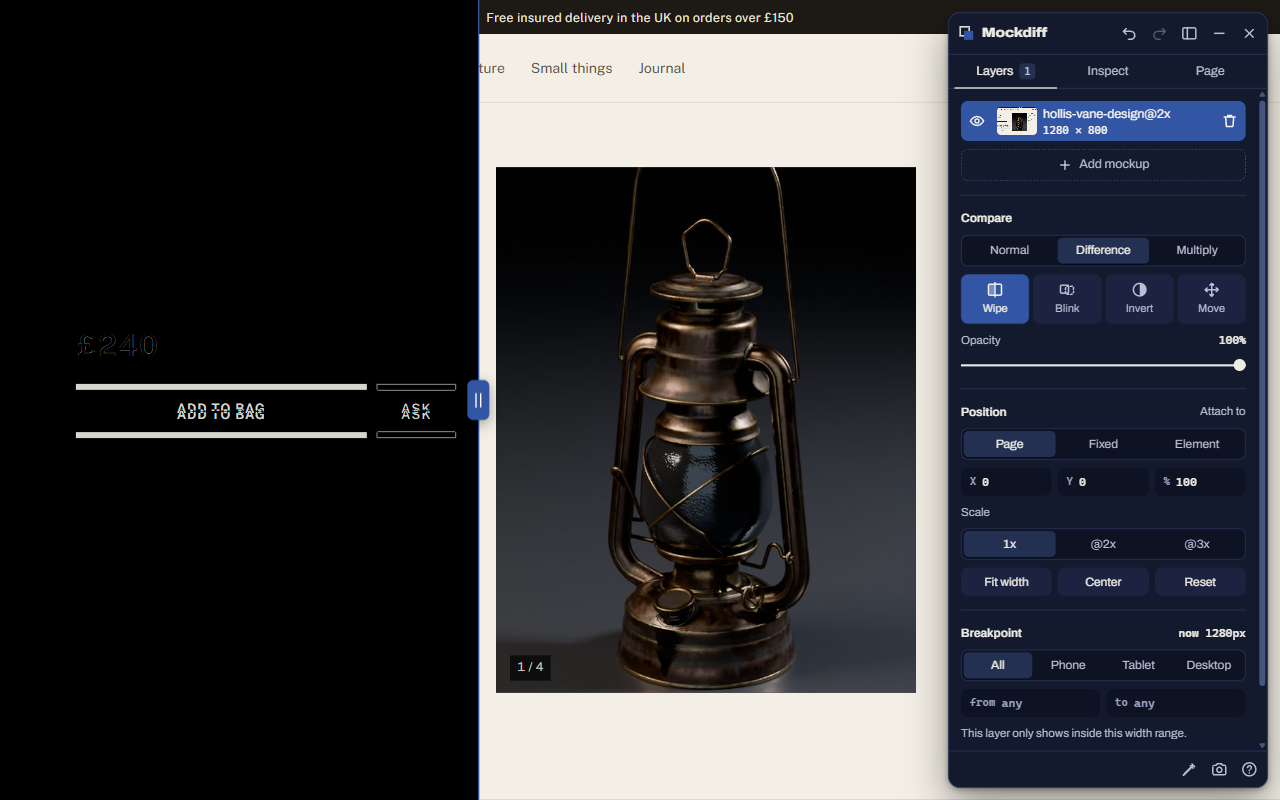
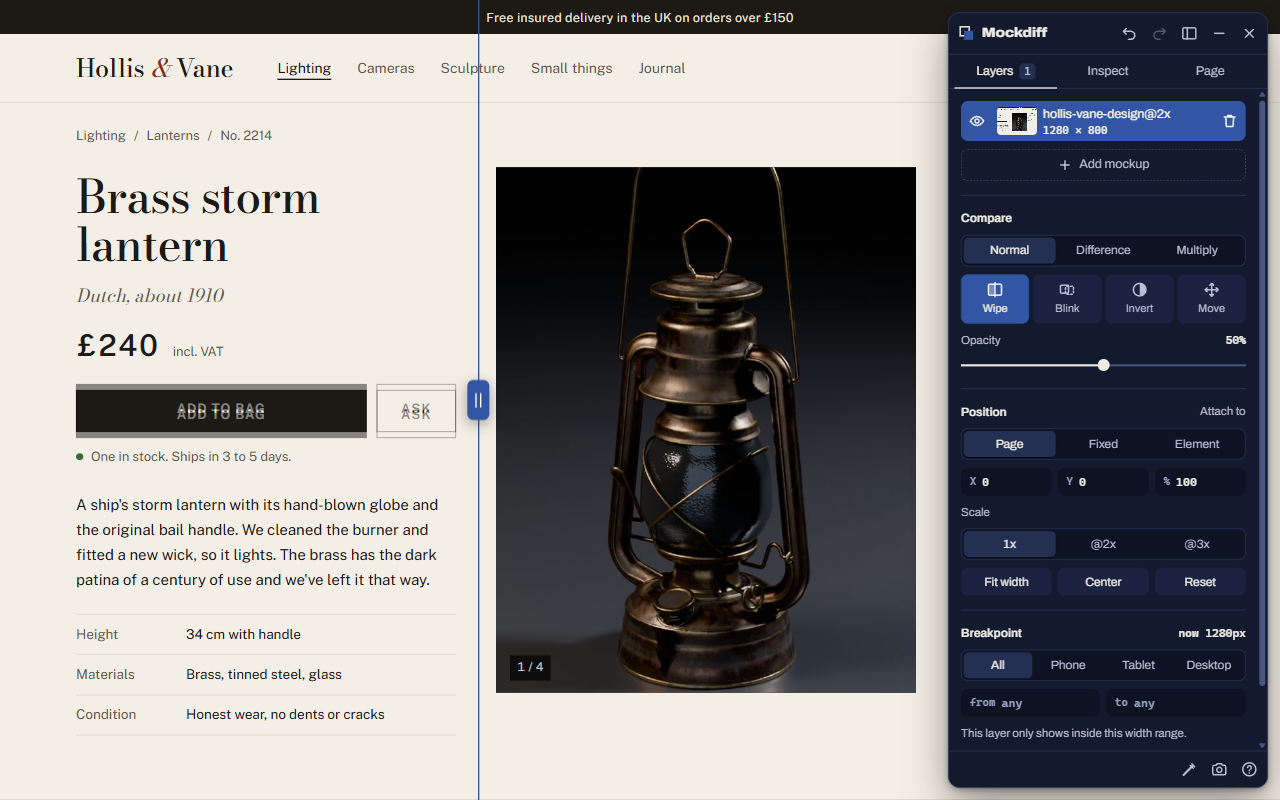
Compare
Difference, wipe, blink, invert, multiply. @2x and @3x exports scale down by themselves. The mockup never eats your clicks.
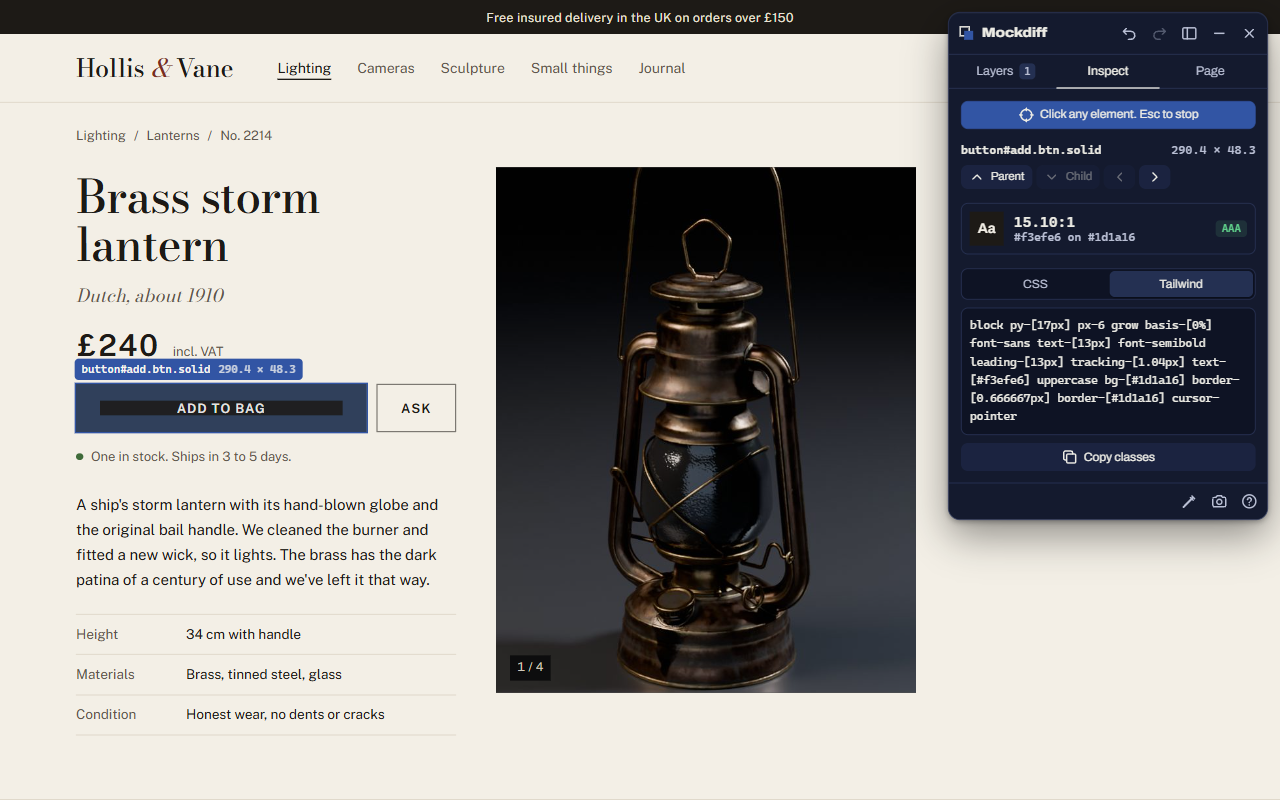
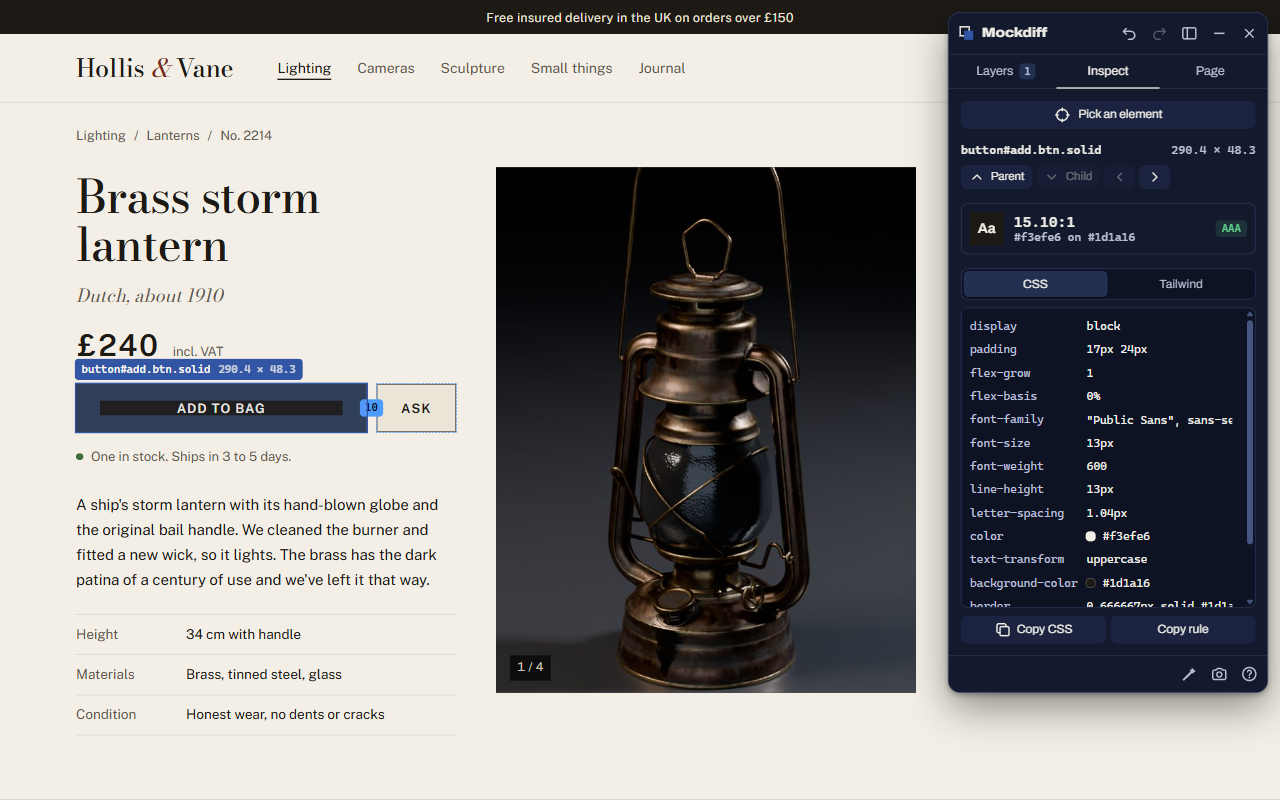
Inspect
Click any element. Get its CSS without the browser defaults, or as Tailwind classes. Edit values live and copy only what you changed.
What it handles
- Breakpoints
- Give phone, tablet and desktop their own mockup. Resize the window and the right one shows.
- Pin to an element
- A cookie bar or a taller hero above it won't shift your compare.
- Measure
- Hold Alt to see the gap in pixels to any other element.
- Contrast
- Every text element gets its WCAG ratio. The Page tab lists everything that fails AA.
- Colors and fonts
- Every color on the page by role, with counts, and every font with its sizes and weights.
- Saved per page
- Reload, hot reload, change route: your mockups come back where you left them.
| Item | MS-202 |
|---|---|
| Browsers | Chrome, Edge, Brave, Firefox |
| Formats | PNG, JPG, WebP, SVG |
| Shortcut | Alt+Shift+M |
| Free | $0 |
| Pro | $19 once |
Where your data goes
- Your mockups
- Stay in your browser. They're never uploaded.
- The page
- Mockdiff only runs on the tab you click it on, when you click it.
- Our server
- Gets your Pro licence key, and nothing else, to check it.
Price
- FreeUnlimited mockups, every compare mode, the inspector with CSS copy and live edits, contrast, measure, the Page tab, screenshots.$0Install
- ProBreakpoint layers, pin to an element, Tailwind copy, copy your edits as a CSS patch, palette export, setup export. One payment, yours to keep.$19 onceGet Pro
Price in USD, taxes added at checkout. Your licence key comes by email and works in up to three browsers.
Get Mockdiff
Mockdiff works in Chrome, Edge, Brave and Firefox.
No mockup handy? Try it on our test page. It has three mistakes to find.
Already have a key?
Click the Mockdiff icon, open the ? panel, and choose Enter key. Removing it from one browser frees a seat for another.
Mockdiff runs in a desktop browser. Open this page on your computer to install it.
Questions
There are free overlay extensions. Why pay?
There are, and the free version of Mockdiff is one of them: unlimited mockups, every compare mode and the inspector cost nothing. Pro is for the parts the free tools don't do: a mockup per breakpoint, pinning to an element, Tailwind and patch copy, palette and setup export.
Does it work with Figma?
Export the frame as PNG (2x is fine) and drop it on the page. Mockdiff spots 2x and 3x exports and scales them down.
Does it work on localhost?
Yes. For file:// pages, turn on "Allow access to file URLs" in the extension's details.
Why doesn't it open on some pages?
Browsers don't let extensions run on their own pages, the extension stores or the PDF viewer. Mockdiff tells you when that's the case.
Is Pro a subscription?
No. $19 once. Updates included.
Can I get a refund?
Yes, within 14 days. Write to support@megistestudio.com.